Canva vs Adobe Creative Cloud in Europe: $5.99 a Year vs $8.99 a Month — Which Design Tool Is Worth It?
16 Nov 2026

Quick takeaway ⚡
Canva vs Adobe Creative Cloud in Europe is not a fair fight on price, and that is exactly the point. Canva Education is $5.99 for a whole year. Adobe Creative Cloud starts at $8.99 every single month — $107.99 over the same year, twenty times more. But the two tools are built for different people. Canva is the fast, friendly tool that turns a blank page into a finished social post, a slide or a poster in minutes, with ready-made templates doing most of the work. Adobe Creative Cloud is the professional workshop: Photoshop, Illustrator, Premiere Pro, After Effects, Lightroom and 20+ apps in one plan, for people who design, edit photos and cut video for a living. So the question is not which tool is better in general. It is what your design work looks like: quick posts and slides every week, or professional work that clients pay for. This guide compares both, price by price and tool by tool, with the honest limits, so you pay for the design power you will actually use.
What Canva actually is 🎨
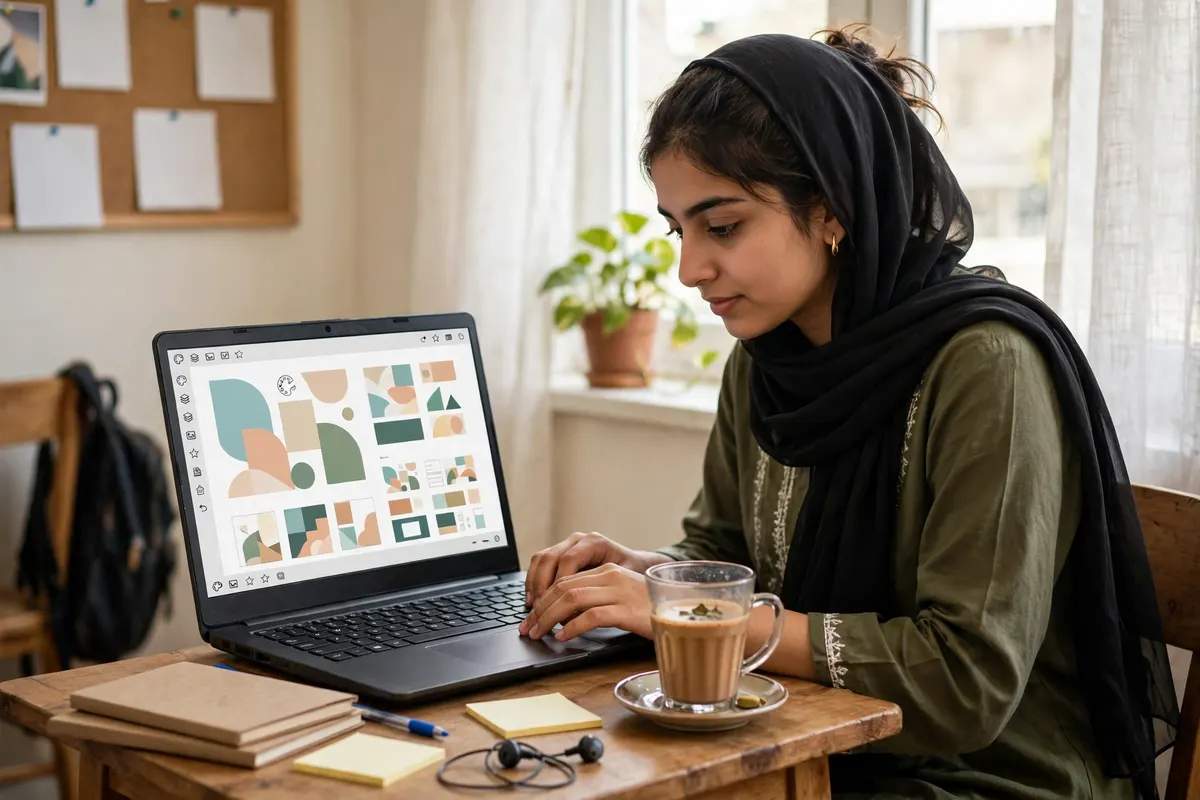
Canva is the design tool most Europeans open first, and for a simple reason: it starts from a finished design instead of a blank page. You pick a template — an Instagram post, a YouTube thumbnail, a presentation, a CV, a wedding card — change the words, swap the photo, and the design is ready. On this store the Canva Education plan is $5.99 for one full year, delivered as an invite to your own email. Accept the invite and the premium tools switch on for twelve months: pro templates, one-click background removal, Brand Kit access and online storage, on the web and in the Canva mobile app. Students use it for assignments and presentations, teachers use it for classroom material, small businesses use it for daily social posts, and freelancers use it for quick client work that does not need a professional studio. It is not a photo editor and it is not a video studio — it is a fast design maker, and it is honest about that. If you want the full price breakdown first, read the Canva Education price in Europe guide.
What Adobe Creative Cloud actually is 🖥️
Adobe Creative Cloud is the other end of design: a full professional workshop, not one tool. One plan gives you 20+ Adobe apps — Photoshop for photo editing and image work, Illustrator for logos and vector art, Premiere Pro for video editing, After Effects for motion graphics, Lightroom for photo colour and InDesign for books and magazines. It runs on Windows and Mac, with cloud storage included. On this store the Shared plan is $8.99 for 30 days, and the Private plan is $42.99 for 30 days with your own account and settings and login on 2 devices. Both last 30 days and include a 30-day warranty, with delivery on WhatsApp. This is the tool working designers, photographers, video editors and agencies build their living on — and the price says so. If you want the full price breakdown first, read the Adobe Creative Cloud price in Europe guide.
The price in plain numbers 💰
Canva Education is $5.99 for 12 months. Adobe Creative Cloud Shared is $8.99 for 1 month. Adobe Creative Cloud Private is $42.99 for 1 month. Put a year side by side: Canva costs $5.99 over 12 months. Adobe Shared costs $107.99 over 12 months. Adobe Private costs $514.99 over 12 months. So Adobe Shared costs twenty times what Canva costs for the same year, and Adobe Private costs ninety-six times. That gap is the whole story — but only if you do not need what Adobe does. Two honest notes on prices. First, the official global prices, for reference only: Canva Pro is about $120 a year on Canva's own site, and Adobe Creative Cloud All Apps is about $60 a month on Adobe's own site — those dollar prices change, and the USD price on the product page on the day you order is the price you pay here. Second, Canva also has a free version with daily limits and watermarks on some elements, and Adobe has no free version of these apps at all — the paid plans in this guide are the only way in. See every plan on the Canva Education page and the Adobe Creative Cloud page.
The comparison, side by side ⚖️
Price on this store — Canva Education $5.99 for 1 year — Adobe Shared $8.99 a month, Private $42.99 a month.
Price for 12 months — $5.99 — Shared $107.99 Private $514.99.
Main apps — One app, in the browser and on mobile — 20+ apps: Photoshop, Illustrator, Premiere Pro, After Effects, Lightroom, InDesign.
Learning time — Minutes, templates do the work — Weeks to months to use properly.
Best for social posts — Yes, its home ground — Yes, but slow for a quick post.
Best for logos and brand design — Simple logos and Brand Kit — Illustrator, the professional standard.
Photo editing — Background removal and simple fixes — Photoshop and Lightroom, full control.
Video editing — Basic video tools — Premiere Pro and After Effects, professional grade.
Works offline — No, needs the internet — Yes, apps install on your computer.
Runs on — Web and mobile app — Windows and Mac.
Private account — Invite on your own email — Private plan only ($42.99 a month), Shared is shared access.
Warranty — 1 year — 30 days.
Delivery — Invite on WhatsApp — WhatsApp.
Read the table one row at a time and the pattern is plain: Canva wins every row about speed, ease and price, and Adobe wins every row about power and professional control. That is the whole decision in one table. If your design work is quick posts, slides and everyday graphics, the top rows matter more. If your design work is client work that pays, the bottom rows matter more.
Ease of use — where Canva wins 🎨
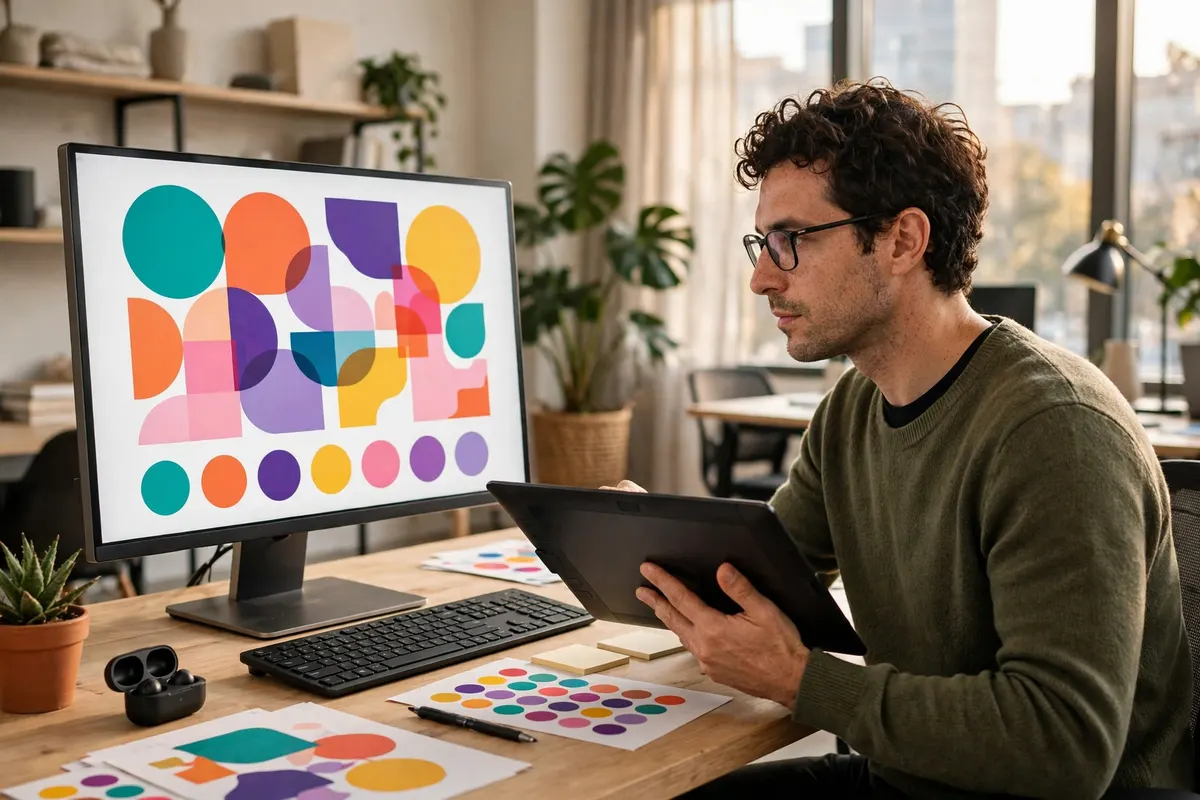
Open Canva and you are designing in minutes. The templates are the whole trick: a finished layout is already there, and you change the words and the photo. A student can make a presentation the night before class. A shop owner can make a sale post between customers. A teacher can make a worksheet without learning anything new. There is almost nothing to learn, and that is not a small thing — it is the reason Canva has millions of users who never touch a professional tool. Adobe is the opposite. Photoshop alone takes weeks to learn properly, and Illustrator and Premiere Pro each take the same again. The power is real, but the first month is mostly learning, not earning. If you need a design today and you have never designed before, Canva wins this row by a mile. If you already know the Adobe apps, the learning time is behind you — but for a beginner, it is a wall, not a door.
Power and professional work — where Adobe wins 💪
When the work has to be exact, Adobe wins and it is not close. A logo that must print cleanly at any size needs Illustrator's vectors — Canva's simple logo tools cannot do the same job. A photo that needs real retouching, colour grading or compositing needs Photoshop and Lightroom. A wedding film or a YouTube video that needs proper cutting, colour and sound needs Premiere Pro. Clients who pay for design expect files in the formats their printers and editors use, and they expect the precision these apps give. Canva is brilliant at fast, good-looking work, but it works inside its own limits: templates, simple tools, and files that are fine for a screen and a quick print, not for a professional press. So the honest line is this: if design pays your bills, Adobe is not a luxury, it is the tool of the trade. If design is a task you do between other jobs, Canva is the smarter buy — paying $107.99 a year for power you never open is the most expensive subscription of all.
Social media and everyday design 📱
For the everyday design most Europeans actually do — Instagram posts, Facebook sale banners, WhatsApp status images, YouTube thumbnails, CVs and presentations — Canva is the better tool, and it is not close. It is faster, the templates are made for exactly these sizes, and the result looks good without any training. Adobe can make all of these too, but opening Photoshop for a single Instagram post is like hiring a truck to carry one bag of flour: it works, but it takes ten times longer. The one exception is a brand that needs everything to match perfectly — the same colours, the same fonts, the same logo everywhere. Canva's Brand Kit handles that well for most small businesses. A big brand with a full identity system still belongs in Illustrator. If you want the direct fight with the video-first design tool, see the Canva vs CapCut guide.
Video editing — Premiere Pro vs Canva video 🎬
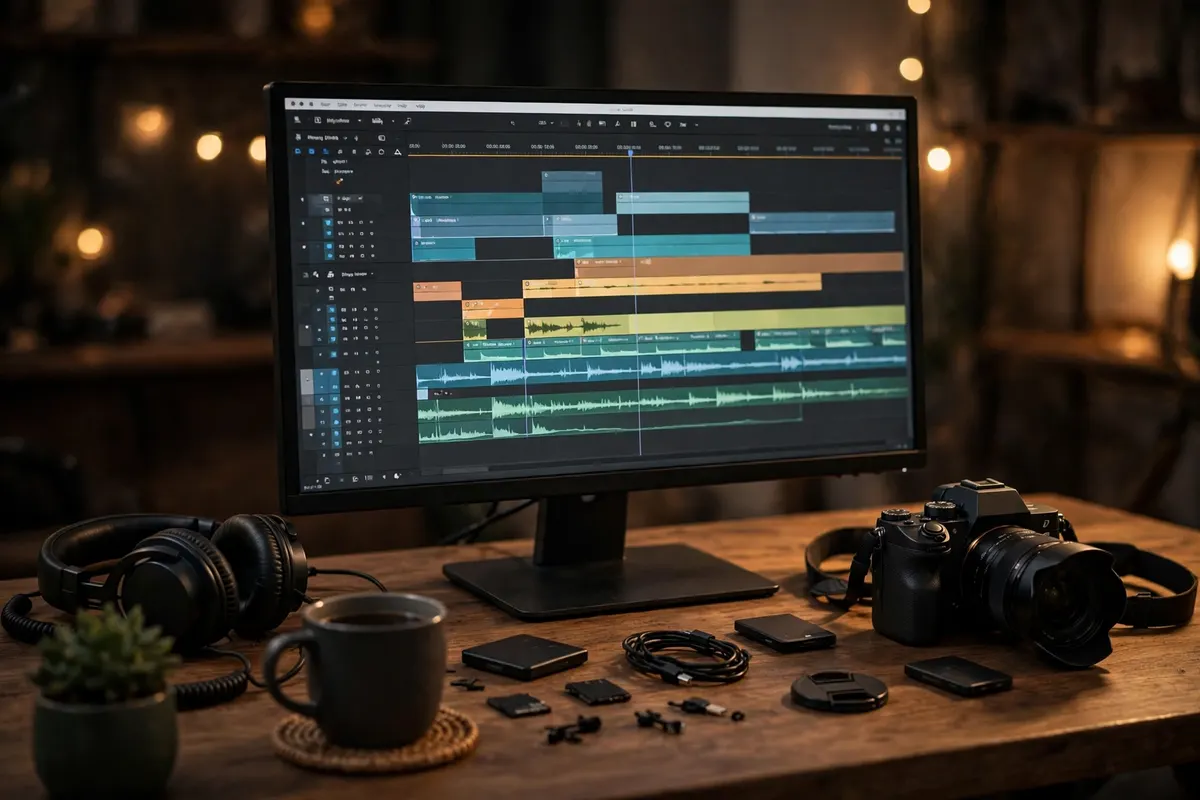
Video is where the gap between the two is widest. Canva can cut a simple video, add text and music, and export it for a Reel or a TikTok — enough for a shop announcement or a birthday clip. But it is a design tool with video added on, not a video editor. Adobe gives you Premiere Pro for proper editing and After Effects for motion graphics — the pair that cuts most of the YouTube videos, wedding films and ads you watch every day. If video is a side task, Canva's video tools are enough and cost you nothing extra. If video is your work, you need Premiere Pro, and the honest comparison is not Canva versus Adobe at all — it is Adobe versus CapCut Pro, which starts at $5.99 a month for no-watermark exports, premium templates, effects and auto-captions. See the CapCut vs Adobe Creative Cloud guide for that fight.
Who should buy which — and who should buy both 🎯
Buy Canva Education ($5.99 a year) if you are a student, a teacher, a small business owner or a freelancer who needs good-looking posts, slides and everyday graphics fast, without learning a professional tool. Buy Adobe Creative Cloud Shared ($8.99 a month) if you are learning the Adobe apps, or you need them for a short project and can live with shared access. Buy Adobe Creative Cloud Private ($42.99 a month) if you are a working designer, photographer or video editor — your own account, your own settings, login on 2 devices, and the full workshop. Buy both only if your work splits cleanly: Canva for the quick daily posts, Adobe for the client work that pays. That is $5.99 a year plus $8.99 a month, and it makes sense only if you genuinely open both every week. If you only open one of them, the other is money sitting still.
Honest limits — read this before you pay 🚫
First, Canva Education is an invite on your own email — accept it and premium runs for 12 months, but it is still Canva: it cannot do professional photo retouching, vector logo work or serious video editing, and it needs the internet to work. Second, Adobe Shared at $8.99 a month is shared access — it is not your own private account, so keep your own files backed up and never leave anything sensitive in it. Third, Adobe's apps are heavy: they need a proper Windows or Mac computer with enough storage and memory, and a weak laptop will struggle with Premiere Pro. Fourth, both plans have fixed lengths — Canva runs 12 months, Adobe runs 30 days — so message on WhatsApp before a plan ends if you want to keep using it. Fifth, prices change: $5.99 $8.99 and $42.99 are today's prices on this store, and the product page on the day you order is the price you pay.
How to order — two minutes, on WhatsApp 📱
Ordering either one takes about two minutes. Step one: open the Canva Education page for the $5.99 one-year invite, or the Adobe Creative Cloud page and pick Shared ($8.99 a month) or Private ($42.99 a month). Step two: tap Order on WhatsApp — a pre-written message opens, already filled in with the plan you picked. Step three: send the message and pay in USD with the payment details shared on WhatsApp. Step four: your invite or login details arrive on WhatsApp, usually within minutes during working hours — accept the Canva invite on your own email, or sign in to the Adobe apps. Step five: start designing — and if anything stops working, message on WhatsApp and the warranty covers a fix or a replacement.
The verdict — which one is worth it? 🎯
For most people in Europe, Canva at $5.99 a year is the better buy — it does the design work most people actually do, it does it fast, and it costs less in a year than one month of Adobe. But that answer flips the moment design becomes your income. If a client pays you for a logo, a photo edit or a video, Adobe Creative Cloud is the tool of the trade, and the $8.99 a month Shared plan is the cheapest honest way in — or $42.99 a month Private when the work needs your own account on 2 devices. So ask yourself one question: did you get paid for a design last month? If the answer is no, buy Canva and keep the $101.99 you save. If the answer is yes, buy Adobe — the tool pays for itself the first time a client says yes.
Frequently asked questions ❓
How much does Canva cost in Europe?
Canva Education costs $5.99 for one full year on this store. You get an invite on your own email, and accepting it switches on premium features — pro templates, one-click background removal, Brand Kit and online storage — for twelve months, on the web and in the Canva mobile app.
How much does Adobe Creative Cloud cost in Europe?
Adobe Creative Cloud starts at $8.99 a month on this store for the Shared plan, which lasts 30 days and includes Photoshop, Illustrator, Premiere Pro, After Effects, Lightroom and 20+ apps. The Private plan is $42.99 a month, with your own account and settings and login on 2 devices. Both plans include a 30-day warranty and delivery on WhatsApp.
Which is cheaper, Canva or Adobe Creative Cloud?
Canva, by a huge gap. Canva Education is $5.99 for a whole year. Adobe Creative Cloud Shared is $8.99 every month, which is $107.99 over the same year — twenty times more. The Private plan is $42.99 a month, or $514.99 over a year. Canva is the cheaper buy unless you need Adobe's professional apps.
Can Canva replace Photoshop?
No, not for professional work. Canva handles background removal, simple fixes and quick designs well, but Photoshop gives full control over retouching, layers, colour and compositing that Canva cannot match. If your photo work is simple — removing a background or brightening a picture — Canva is enough. If a client pays for the edit, you need Photoshop.
What apps do you get with Adobe Creative Cloud?
You get 20+ Adobe apps in one plan, including Photoshop, Illustrator, Premiere Pro, After Effects, Lightroom and InDesign, plus cloud storage. It works on Windows and Mac, and both the $8.99 Shared plan and the $42.99 Private plan include all of them for 30 days.
Which is better for social media posts, Canva or Adobe?
Canva, for most people. Its templates are made for Instagram posts, Facebook banners, thumbnails and stories, so a finished post takes minutes. Adobe can make the same posts, but opening Photoshop for one Instagram post takes ten times longer. Adobe only wins when a brand needs a full professional identity system built in Illustrator.
Which is better for video editing?
Adobe, clearly. Premiere Pro and After Effects are professional video tools, while Canva's video features are basic — fine for a quick Reel or a shop announcement, not for serious editing. If video is your work, the real comparison is Adobe versus CapCut Pro, which starts at $5.99 a month on this store.
How does the Canva Education invite work?
After you order and pay on WhatsApp, an invite is sent to your own email. Accept it and the premium features switch on for twelve months — pro templates, background removal, Brand Kit and online storage. It works on the web and in the Canva mobile app, and the warranty covers the full year.
Is the Adobe Shared plan private?
No. The $8.99 Shared plan is shared access — it is not your own private account. The Private plan at $42.99 a month gives you your own account and settings, with login on 2 devices. Keep your own files backed up on the Shared plan and never leave anything sensitive in it.
Which should a student buy, Canva or Adobe?
Most students should buy Canva Education at $5.99 a year. It covers presentations, assignments, posters and social posts, and it takes minutes to learn. Buy Adobe only if your course or your freelance work needs Photoshop, Illustrator or Premiere Pro — and start with the $8.99 Shared plan while you are learning.
Does Canva work offline?
No. Canva runs in the browser and in the mobile app and needs an internet connection. Adobe's apps install on your Windows or Mac computer and work offline once they are installed, which matters if your internet is slow or unreliable.
How do I order Canva or Adobe Creative Cloud in Europe?
Open the [Canva Education](/products/canva-pro-subscription-education) page for the $5.99 one-year invite, or the [Adobe Creative Cloud](/products/adobe-creative-cloud-subscription) page for Shared at $8.99 a month or Private at $42.99 a month, and tap Order on WhatsApp. Send the pre-written message, pay in USD with the details shared on WhatsApp, and your invite or login details arrive on WhatsApp, usually within minutes during working hours.