Oplex TV Price in Europe: $4.99 a Month, Full Buyer Guide
27 Nov 2026

Quick takeaway ⚡
Oplex TV is an IPTV service — live TV channels, movies, series and sports streamed over the internet, with no dish and no cable box. In Europe it costs $4.99 for 1 month, $23.99 for 6 months, or $39.99 for 12 months, and the same three prices apply to all three packages: Asia, Europe and Worldwide. The short answer is that the 1-month plan is the right first buy: it costs less than a cinema ticket, it tells you within a week whether the channels and the stream quality are right for your home, and only then does the 12-month plan make sense at about $3.33 a month. If you only watch films and series on demand, Netflix fits you better — IPTV is built for live channels first, and that is what Oplex TV is for. The rest of this guide covers every plan in plain words, the per-month maths, how it compares with Bigo and StarShare, how setup works, and the honest limits to know before you pay.
What is Oplex TV, in plain words? 📺
Oplex TV is an IPTV subscription. Instead of a satellite dish or a cable line, your channels arrive over your internet connection and play in an IPTV player app on your phone, tablet, smart TV or TV stick. You open the app, pick a channel, and watch it live — news, sports, movies, series and entertainment channels from the region you chose. It is the same idea as Bigo IPTV and StarShare IPTV, which this store also sells: a big bundle of live channels for a small monthly price, instead of paying a cable company a large one. What makes Oplex TV different from those two is not the price — all three start at $4.99 a month — it is the channel lineup, and that is the part you should check before you pay. The store does not publish a fixed channel list for Oplex TV, so the honest step is to message the store on WhatsApp and ask which channels and leagues are included in the package you want. A service is only as good as the channels you actually watch, and five minutes of asking saves a month of a plan that misses your team's matches.
Oplex TV price in Europe — every plan 💰
Here is the full price list, in USD, exactly as it stands on this store. There are three packages — Asia, Europe and Worldwide — and three lengths for each, and the price is the same whichever package you pick.
| Package | 1 Month | 6 Months | 12 Months |
| --- | --- | --- | --- |
| Asia | $4.99 | $23.99 | $39.99 |
| Europe | $4.99 | $23.99 | $39.99 |
| Worldwide | $4.99 | $23.99 | $39.99 |
The per-month maths is worth doing. One month costs $4.99. Six months costs $23.99, which works out at about $4.00 a month. Twelve months costs $39.99, which works out at about $3.33 a month — a third cheaper than paying month by month, and about the price of a coffee in most European cities. Every length gives you the same kind of access; the longer plan simply costs less per month. One honest note: the price is flat across regions, so you choose by content, not by cost. If your household watches Asian channels, buy Asia. If it watches European channels, buy Europe. If it watches a bit of everything, buy Worldwide. Prices can change, so check the Oplex TV product page for the live price before you pay — the price on the product page is the price you pay.
Oplex TV vs Bigo IPTV vs StarShare IPTV — the honest comparison ⚖️
These three services sit side by side on this store, and their prices are so close that the choice comes down to the channels, not the money. Here they are on the same table, on this store's prices.
| | Oplex TV | Bigo IPTV | StarShare IPTV |
| --- | --- | --- | --- |
| 1 month | $4.99 | $4.99 | $4.99 |
| 3 months | — | — | $12.99 |
| 6 months | $23.99 | $23.99 | $23.99 |
| 9 months | — | — | $32.99 |
| 12 months | $39.99 | $39.99 | $39.99 |
| Packages | Asia, Europe, Worldwide | Asia, Europe, Worldwide | One package |
| Best for | Live TV, simple choice | Live TV, same as Oplex | Live TV, more lengths |
Read the table this way. Oplex TV and Bigo IPTV are priced identically, plan for plan, with the same three regional packages — so between those two, pick the one whose channel list covers what your household watches. StarShare IPTV matches them on 1, 6 and 12 months, and adds 3-month and 9-month plans in between, so it is the pick if you want a length Oplex does not sell. None of the three is the wrong buy at $4.99 a month — the wrong buy is the one whose channels you never open, whichever name is on it.
Oplex TV vs Netflix — live TV or on demand? ⚖️
Oplex TV and Netflix solve different evenings. Netflix is on demand: films, series and Originals you start whenever you like, from $3.99 a month for a mobile screen on this store. Oplex TV is live: channels running now, sports as they happen, news as it breaks. If your evenings run on live matches and live channels from home, Oplex TV at $4.99 a month is the service built for that. If your evenings run on series you binge at your own pace, Netflix is the better spend. Many households in Europe keep both — Oplex for the live channels, Netflix for the films — and together they still cost less than most cable bundles.
How Oplex TV works, step by step 🛠️
Setup takes a few minutes. First, open the Oplex TV product page and pick your package — Asia, Europe or Worldwide — and your length: 1 month at $4.99, 6 months at $23.99, or 12 months at $39.99. Second, tap Order on WhatsApp and send the message. Third, pay with the method the store confirms. Fourth, the store sends your Oplex TV access details on WhatsApp — usually within minutes during working hours. Fifth, install the IPTV player app the store names on your device, sign in with the details you received, and start watching. If the login does not work on the first try, do not keep guessing: message the store on WhatsApp, because a single mistyped character is the most common reason a new setup looks broken. Every plan includes a 30-day warranty, so if the access stops working the store fixes it or replaces it.
Devices that work with Oplex TV 📱
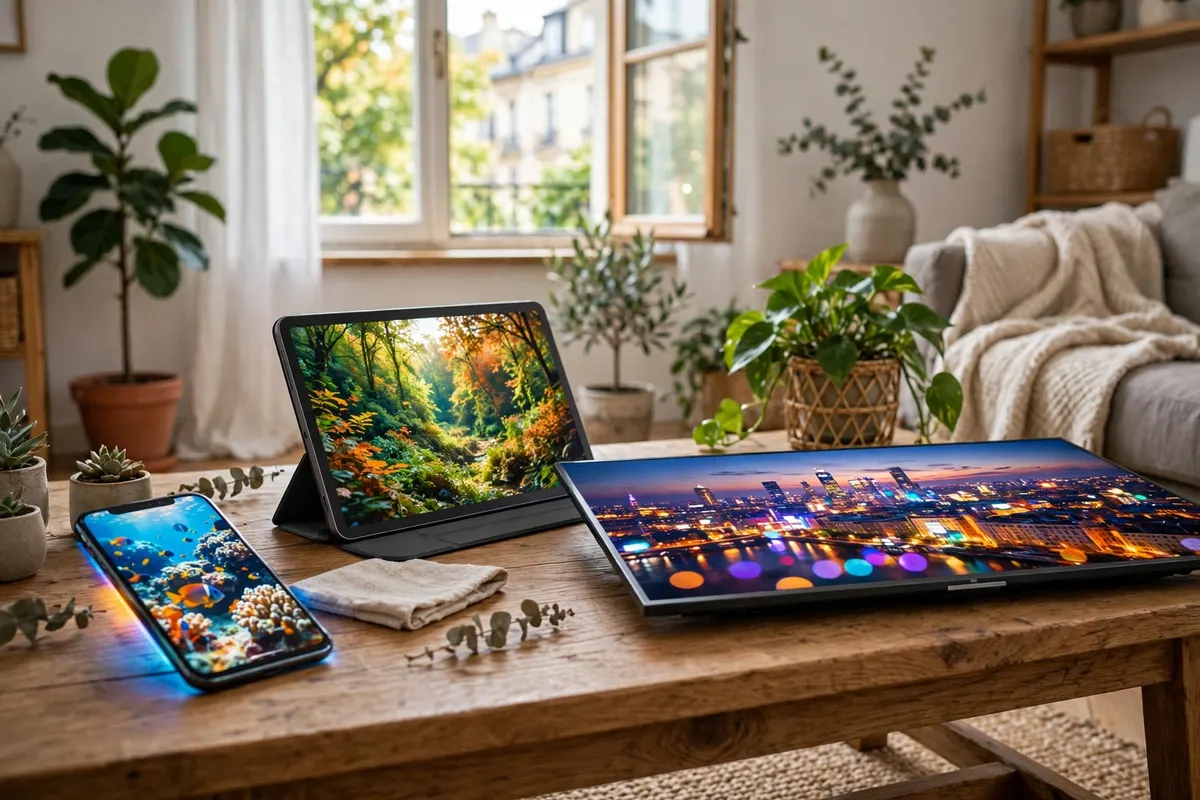
Oplex TV works on the screens you already own: phones, tablets, smart TVs, Android TV boxes and Fire TV sticks. On a phone or tablet you install the IPTV player app and sign in. On a TV, use the player app on a smart TV or a stick, and the channels play on the big screen. Because it streams over the internet, the connection matters more than the device — a steady 10–15 Mbps is enough for a smooth HD stream on one screen, and a weak Wi-Fi signal will buffer no matter how good the TV is. One thing to confirm before you pay: ask the store on WhatsApp how many devices your plan covers, so you know whether the TV and a phone can watch different channels at the same time. The store's answer is the one that counts — do not assume a device count that was never promised.
Honest limits — what to know before you pay 🔍
Six things to be clear about before you order. First, the exact channel list is not published on the store — ask on WhatsApp which channels and leagues your package includes, and buy only when the answer covers what you watch. Second, IPTV is live TV first: if you mostly want films and series on demand, Netflix or Prime Video will serve you better. Third, stream quality depends on your internet — a weak connection means buffering, and no seller can fix your Wi-Fi. Fourth, channel lineups change over time: channels come and go, so a channel that is there today may not be there in six months, and no seller can promise a fixed list forever. Fifth, renewal is manual — message the store on WhatsApp when your plan ends, and set your own reminder so a big match does not land on an expired plan. Sixth, start with one month: $4.99 is the cost of finding out whether Oplex TV fits your evenings, and it is cheaper than a year of a service nobody opens. None of these is a reason not to buy — they are the reasons to ask first and try one month before you buy a year.

Who should buy Oplex TV — and who should skip it ✅
Buy it if your household watches live TV every week — news, sports or channels from home — and you want all of it for $4.99 a month instead of a cable bill. Buy the 12-month plan once a month of watching has proved the channels and the quality fit your home — at about $3.33 a month it is genuinely good value. Skip it if you only watch films and series on demand — Netflix will serve you better. Skip the 12-month plan on your first order if you have never tried Oplex TV — one month at $4.99 is the cost of finding out. To order, open the Oplex TV product page, tap Order on WhatsApp, and your access details arrive on WhatsApp after payment. The same service is also listed on our sister store, Ocean Computer, at oceancomputer.com.pk.
Frequently asked questions ❓
How much does Oplex TV cost in Europe?
Oplex TV starts at $4.99 for 1 month. The 6 Months plan is $23.99 and the 12 Months plan is $39.99. The same three prices apply to the Asia, Europe and Worldwide packages, so you pick the region you watch, not a different price.
What is the cheapest Oplex TV plan per month?
The 12 Months plan at $39.99 works out at about $3.33 a month, which is the cheapest per month. The 6 Months plan at $23.99 works out at about $4.00 a month. The 1 Month plan is $4.99 a month. All three include the same kind of access — the longer plan simply costs less per month.
What is the difference between the Asia, Europe and Worldwide packages?
Each package covers a different set of channels: Asia for Asian channels, Europe for European channels, and Worldwide for a mix from many countries. The prices are the same for all three — $4.99 a month, $23.99 for 6 months, $39.99 for 12 months — so choose the region whose channels you actually watch.
What can I watch on Oplex TV?
Oplex TV is an IPTV service, so it streams live TV channels, movies, series and sports over the internet instead of through a dish or cable box. The exact channel list is not published on the store, so ask the store on WhatsApp which channels and leagues are included before you order.
Which devices work with Oplex TV?
Oplex TV works on phones, tablets, smart TVs, Android TV boxes and Fire TV sticks — any screen that can run an IPTV player app. The store sends your access details on WhatsApp after payment, and you sign in on the device you want to watch on.
Is Oplex TV better than Bigo IPTV?
On price, they are identical: both start at $4.99 a month and both charge $23.99 for 6 months and $39.99 for 12 months, with the same Asia, Europe and Worldwide packages. The difference is the channel lineup, which varies between the two services — if you already use Bigo and it covers what you watch, there is no price reason to switch.
Oplex TV or StarShare IPTV — which one should I pick?
Both start at $4.99 a month. StarShare also sells 3-month and 9-month plans ($12.99 and $32.99), which Oplex does not, so StarShare gives you more lengths to choose from. Oplex keeps it simpler: 1, 6 or 12 months, flat across all three regions. Pick the one whose channel list fits your household.
Do I need fast internet for Oplex TV?
Yes. IPTV streams live over your internet connection, so a stable connection matters more than raw speed. A steady 10–15 Mbps is enough for a smooth HD stream on one screen. On weak Wi-Fi or mobile data, live channels buffer — that is true of every IPTV service, not just Oplex.
How do I order Oplex TV?
Open the Oplex TV product page, pick your region and length, tap Order on WhatsApp, send the message and pay with the method the store confirms. Your access details arrive on WhatsApp, usually within minutes during working hours.
What if my Oplex TV access stops working?
Every plan includes a 30-day warranty. Message the store on WhatsApp and they will fix it or replace it. Keep your order message handy so the store can find your plan quickly.
Is Oplex TV worth it in Europe?
Yes, if your household watches live TV from Asia, Europe or around the world every week — at $4.99 a month it costs less than a single cinema ticket. If you only watch films and series on demand, Netflix or Prime Video will serve you better, because IPTV is built for live channels first.
Can I try Oplex TV before I buy a year?
Yes — that is what the 1 Month plan is for. Pay $4.99, watch for a month, check the channels and the stream quality on your own internet, and only then buy the 12 Months plan at about $3.33 a month. A year of a service nobody opens is the one purchase to avoid.