Leonardo AI Price in Europe 2026: Apprentice from $10.99
22 Nov 2026
Quick takeaway ⚡
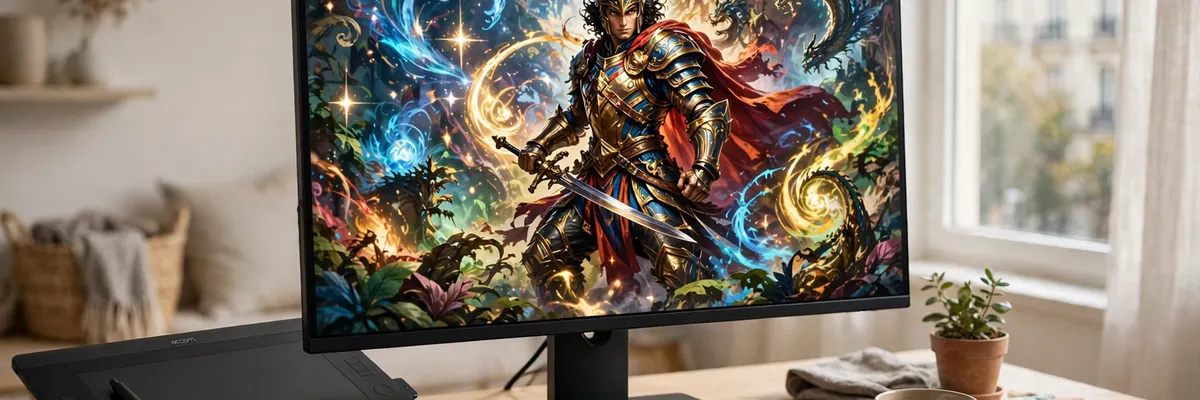
Leonardo AI is the AI image tool that game artists and designers in Europe reach for when they need a lot of good-looking art, fast. You type a short description — a warrior in golden armour, a cosy mountain village, a product photo on a clean background — pick a style, and it draws the image in seconds. The Leonardo AI price in Europe is $12 a month for the Apprentice plan if you buy it direct from Leonardo, and on this store the same kind of access costs $10.99. Apprentice is the plan most people actually need: 8,500 fast tokens a month, private images, and the tool that keeps one character looking the same across many pictures. If you only need a few images, the free plan gives you 150 tokens a day and costs nothing. If you design for clients every day, Artisan at $30 a month is the better fit — and Maestro at $60 a month only makes sense once you are producing art at studio volume.
What is Leonardo AI, in simple words? 🎨
Leonardo AI is an AI image generator. In plain words: it turns written text into pictures. You describe what you want, and it draws it — game characters, fantasy landscapes, product shots, book covers, logos, social media art. It started in 2022 as a tool built for game developers, which is why it is so good at characters, environments and game assets, and it is now part of Canva. Beyond simple text-to-image, it has tools that matter in real work: PhotoReal for images that look like photographs, Alchemy for cleaner, sharper results, Realtime Canvas, which draws along with you as you sketch, an image-to-image mode that reworks a picture you upload, upscaling that makes a small image bigger without blurring it, and Consistent Character, which keeps the same face and outfit across a whole series of images. Paid plans also let you train your own model on your own images, so it can draw in your style or with your product. It can also generate short videos. The whole thing runs in the browser — there is nothing to install.
How Leonardo AI works, step by step 🪜
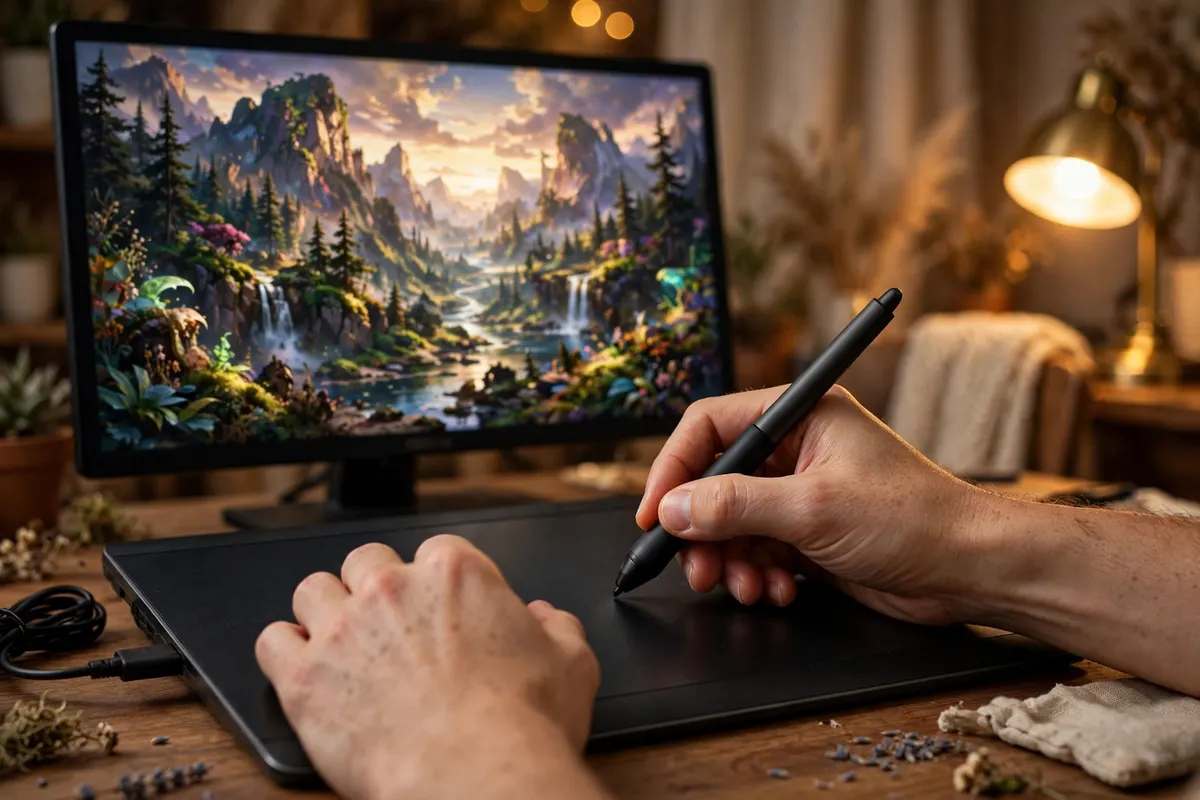
First, sign in at leonardo.ai and open image generation. Second, type your prompt in English — what the picture shows, the style, the mood, the colours. Third, pick a model: PhotoReal for photographic looks, one of the art models for illustration, anime or 3D styles. Fourth, set the size and how many versions you want, then press generate — you get several images to choose from. Fifth, pick the best one and refine it: upscale it, change one part with the editor, or generate new versions of the same idea. For a character you will reuse, open Consistent Character, upload one good picture of the character, and every new image keeps that same face. For live drawing, open Realtime Canvas, sketch a rough shape with your mouse or stylus, and the picture builds itself as you draw. For your own style, train a model: upload a set of your images, wait for the training to finish, and then that model draws everything in your style. The slow part is writing a good prompt and choosing between versions, not the drawing itself — the drawing takes seconds.
Leonardo AI price in Europe — the official plans 💰
These are Leonardo's own official prices, checked in November 2026 — global prices in US dollars, labelled as such, and they can change, so always confirm on leonardo.ai before you buy. Paying yearly saves about 20% on every paid plan. The free plan is genuinely free, not a trial, and it resets every day.
| Plan | Monthly | Annual (per month) | Fast tokens | What you get |
| --- | --- | --- | --- | --- |
| Free | $0 | $0 | 150 / day | Core models, public images, personal use only |
| Apprentice | $12 | $10 | 8,500 / month | Private images, Consistent Character, commercial use, train 10 models |
| Artisan | $30 | $24 | 25,000 / month | Everything in Apprentice, train 20 models, Realtime Canvas, unlimited relaxed generation |
| Maestro | $60 | $48 | 60,000 / month | Everything in Artisan, train 50 models, 6 simultaneous generations, priority support |
A few things the table does not show. Paid plans generate faster than the free plan and jump the queue when the service is busy. Artisan and Maestro also include unlimited relaxed-pace generation on Leonardo's own models, which means you can keep generating at a slower speed without spending fast tokens — handy for long sessions. The API is priced separately: API Basic costs $9 a month, Standard $49 and Pro $299, for developers who build Leonardo into their own apps. Prices are shown in US dollars; European buyers pay by card and the checkout shows the final amount. And tokens reset every month — they do not roll over, so do not buy a bigger plan than your real monthly output.
What Leonardo AI costs on this store 🛒
On this store, Leonardo AI costs $10.99 — less than the $12 monthly rate direct from Leonardo, and about the same as one month of Apprentice on the yearly rate. You order on the product page and the login details arrive on WhatsApp, usually within minutes of payment, with a 30-day warranty and WhatsApp support — if the login stops working, you message and it gets fixed or replaced. That warranty and support is the real difference from a random cheap account: the official route gives you a help page and a queue, this route gives you a person on WhatsApp. If you are not sure whether Leonardo or another image tool fits your work, message on WhatsApp before you order, so you start on the right tool instead of paying for the wrong one.
How far do the tokens go? 🔢
A token is the unit Leonardo charges for generating. One image costs a few tokens, and the exact number depends on the model, the size and the features you turn on — a big PhotoReal image costs more than a small standard one. As a rough guide, the free plan's 150 tokens a day covers about 5 to 10 images a day, which is plenty to learn the tool and make a few pictures a week. Apprentice's 8,500 tokens a month is hundreds of images, often more than a thousand on standard settings — enough for a creator who publishes every week. Artisan's 25,000 tokens covers daily professional work, and Maestro's 60,000 covers studio volume. Count your real output before you pick: how many finished images you actually publish in a month, plus a few extra for the versions you throw away. The relaxed generation on Artisan and Maestro helps here — once your fast tokens run low, you can keep working at a slower pace without paying more. And remember the reset: tokens do not roll over, so a quiet month does not save tokens for a busy one.
Who is Leonardo AI best for? ✅
Game artists and indie developers who need characters, environments, items and concept art in volume. Designers and marketers who need product shots, ad images and social media art that looks made, not stock. Authors who want book covers without hiring an illustrator for every draft. Print-on-demand sellers who need new designs every week. Teachers and course creators who need illustrations for lessons. And anyone building a visual world — a game, a comic, a brand — where the same character or style has to appear again and again, because Consistent Character and model training are exactly built for that. If your work is pictures, and you need a lot of them, Leonardo AI pays for itself in the hours it saves.
Who should skip it? ❌
Skip it if you mainly need pictures with exact words inside them — a poster, a logo with a name, a menu. Leonardo can put text in images, but it still misspells words, and Ideogram AI is much better at that job. Skip a paid plan if you only need a picture once in a while; the free plan's 150 tokens a day covers that. Skip it if you need finished video as your main output — Leonardo does short video, but Kling AI is built for video first. Skip model training if you do not have a clean set of your own images to train on — training needs good input, and you can only train on images you own or have the right to use. And if you already draw well by hand and enjoy it, your own art is still free, and for some audiences it is still the most trusted work there is.
Leonardo AI vs the alternatives ⚖️
Against Midjourney: Midjourney is the famous name, loved for its artistic, stylised look and its big community, and its cheapest plan is $10 a month — but it has no free plan, so you pay before you can try it properly. Leonardo gives you a real free plan, model training and Realtime Canvas, and it is stronger for game assets and for keeping a character consistent. Against Ideogram: Ideogram is the best of the three at putting readable text inside an image, which makes it the pick for posters, thumbnails with words and product labels — it costs $14.99 on this store. Leonardo wins for characters, game art and volume. Against Canva's built-in AI tools: Canva is brilliant for quick social posts and presentations, and Canva Education costs $5.99 on this store, but its image tools are a side feature, not a full studio — for custom characters and game art, Leonardo is the deeper tool. Against Kling AI: Kling is a video generator first, so if your project is moving pictures, Kling at $16.99 on this store is the right buy; if it is still images, Leonardo is. The honest summary: if images are the product — game art, covers, designs — Leonardo AI is one of the best value tools in Europe. If words inside the picture matter most, pick Ideogram; if video matters most, pick Kling.

Honest limits and trust questions ⚠️
Free-plan images are public — anyone can see them — so never generate private or client work on the free plan. Hands, faces and text can still come out wrong, especially in PhotoReal images, so always look closely before you send a picture to a client or print it. Tokens do not roll over, so an unused month is money gone. Prices change: Leonardo has raised and lowered prices before, so the official numbers in this article are a snapshot from November 2026, not a promise, and the store price of $10.99 can change too — the product page shows the current price. And one honest legal note: the rules for AI images and copyright differ between European countries, and they are still changing, so if you sell AI art or use it for a big client, check the rules where you live. The store price is this store's price for the Leonardo AI listing here — check the product page before ordering for the exact terms.
How to order Leonardo AI on this store 🛒
First, open the Leonardo AI product page and check the plan at $10.99. Second, tap Order on WhatsApp and send the message — mention Leonardo AI so the team sends the right plan. Third, pay with the method they confirm, and your login details arrive on WhatsApp, usually within minutes. Fourth, sign in at leonardo.ai with those details and open image generation. Fifth, type your first prompt, pick a model, generate, and download your image. If anything stops working within the warranty, message on WhatsApp and it gets fixed or replaced. Your first project can be a short test — the free plan's 150 tokens a day is plenty to hear whether the tool fits your work before you commit to a bigger plan.
Frequently asked questions ❓
How much does Leonardo AI cost in Europe?
Direct from Leonardo, the Apprentice plan costs $12 a month, or $10 a month if you pay yearly. Artisan costs $30 a month ($24 yearly) and Maestro costs $60 a month ($48 yearly). The free plan costs $0. On this store, Leonardo AI costs $10.99 — about the same as one month of Apprentice on the yearly rate, and less than the $12 monthly rate.
Is there a free Leonardo AI plan?
Yes. The free plan costs $0 and gives 150 fast tokens a day, which is roughly 5 to 10 images a day. You get the core models and the main generation tools, but your images are public, you cannot use them commercially, and you get no private generations or model training. It is a real free plan, not a short trial.
What is the difference between Apprentice, Artisan and Maestro?
Apprentice costs $12 a month with 8,500 fast tokens, private generations and the Consistent Character tool. Artisan costs $30 a month with 25,000 tokens, model training, Realtime Canvas and unlimited relaxed-pace generation. Maestro costs $60 a month with 60,000 tokens, the most model training, the most simultaneous generations and priority support. Most regular creators settle on Apprentice; working designers settle on Artisan.
How many images can I make with 8,500 tokens?
It depends on the model and the settings, because one image costs a few tokens, not a fixed number. As a rough guide, 8,500 tokens is hundreds of images a month, and often more than a thousand if you use standard settings — far more than most solo creators produce. The free plan's 150 tokens a day covers about 5 to 10 images a day.
Can I use Leonardo AI images commercially?
Yes, on a paid plan. Every paid plan from Apprentice upwards includes a commercial licence, so you can use the images in client work, products for sale and monetised content. The free plan does not — its images are for personal, non-commercial use only, and they are public, so generate your final commercial work on a paid plan.
What is the difference between Leonardo AI and Midjourney?
Leonardo AI has a free plan and lets you train your own models and draw live with Realtime Canvas; Midjourney has no free plan and its cheapest plan is $10 a month. Midjourney is famous for its stylised, artistic look and its large community. Leonardo is stronger for game assets, characters that stay consistent across images, and practical design work. Try Leonardo's free plan first — it costs nothing to compare.
Is Leonardo AI good for game art?
Yes, game art is where Leonardo AI started and where it is still strongest. It has models built for game assets, characters, environments and items, and the Consistent Character tool keeps the same character looking the same across many images. Indie developers use it for concept art, textures and promotional art. For finished in-game assets, most studios still clean the images up by hand.
Can I train my own model on Leonardo AI?
Yes, on paid plans. Apprentice lets you train up to 10 personal models, Artisan up to 20 and Maestro up to 50. You upload a set of your own images — your character, your product, your art style — and Leonardo builds a model that draws in that style. You need clear, consistent training images, and you can only train on images you own or have the right to use.
Do Leonardo AI tokens roll over to next month?
No. Fast tokens reset every month and do not roll over, on every plan, and the free plan's 150 tokens reset every day. Pick the plan that matches your real monthly output, not the one you hope to reach — an unused month is money gone.
Can I use Leonardo AI from anywhere in Europe?
Yes. Leonardo AI is a web app, so it works in any European country with an internet connection — there is no region lock for the tool itself. Prices are shown in US dollars and you pay by card; the checkout shows the final amount before you confirm. Your prompts are typed in English, which is how the models understand them best.
How do I order Leonardo AI from this store?
Open the Leonardo AI product page on this store, tap Order on WhatsApp, mention the Leonardo AI plan, pay with the confirmed method, and the login details arrive on WhatsApp, usually within minutes. Then sign in at leonardo.ai and start creating.