Kling AI Price in Europe: $16.99 a Month, Full Buyer Guide
26 Nov 2026

Quick takeaway ⚡
Kling AI is an AI video generator that turns a written prompt — or a single still photo — into a short moving clip. The Kling AI price in Europe is $16.99 a month on this store for the Standard plan, with private monthly access, 1080p HD clips, no watermark, and commercial use allowed. It is for you if you make short-form video — TikTok, Reels, YouTube Shorts, ads — and you want fresh clips you cannot film yourself: a product shot that moves, a photo that comes alive, a scene that only exists in your head. If you already have footage and only need to cut and polish it, CapCut Pro at $5.99 a month for Shared or $8.99 for Private is the better buy. And if your end product is a still picture, not a video, Leonardo AI at $10.99 a month does that job for less.
What Kling AI is 🎬
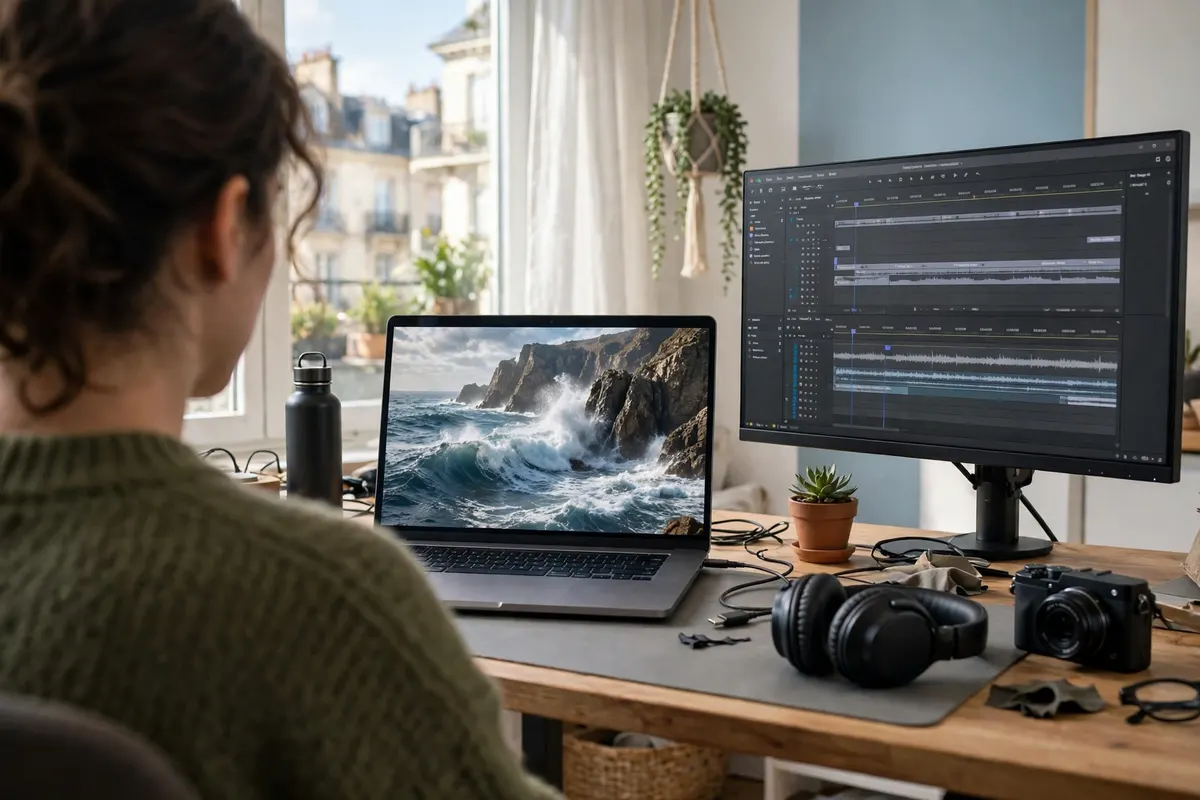
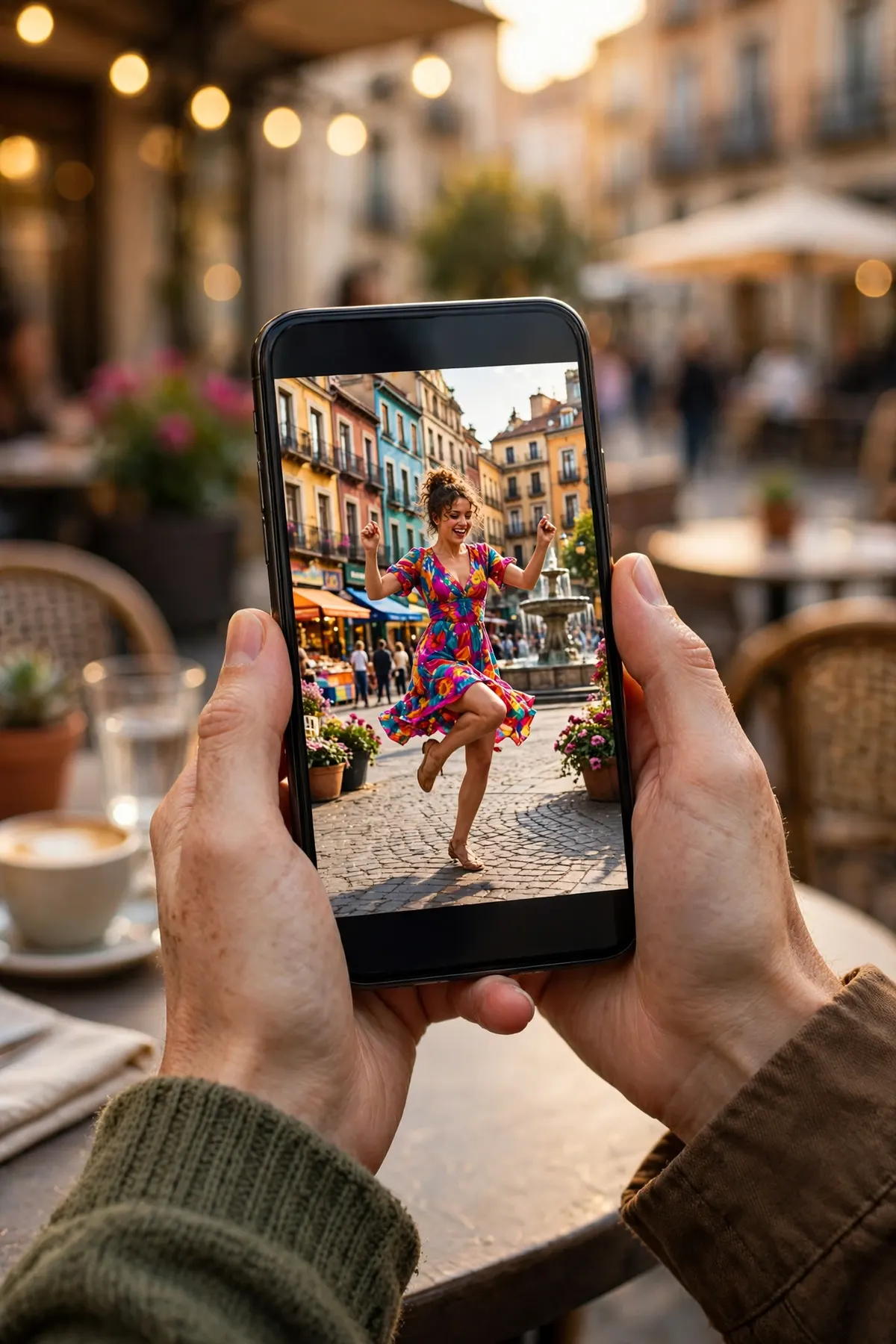
Kling AI is made by Kuaishou, and its job is simple to say and hard to do well: words in, video out. You write a short description — a woman dancing in a colourful city square, waves crashing against cliffs at sunset — or you upload a still image, and Kling AI generates a video clip from it, usually 5 to 10 seconds long. The clips come out in 1080p HD, with camera motion you can direct, realistic movement physics, and lip sync for talking-head style clips. It also makes lifelike AI avatars: a presenter who speaks your script without you ever standing in front of a camera. That is the whole idea. It is not a video editor and it is not a stock footage library. It creates new footage that did not exist a minute ago, which is why creators use it for the shots they cannot film — a location they cannot visit, a product angle that does not exist yet, a face that is not theirs. The clips are short by design. Kling AI is built for the short-form world, where a 5-second clip is often the whole video, and where a longer scene is made by joining several clips together in an editor afterwards.
Kling AI price in Europe — what you pay 💶
There is one plan listed on this store, and the price is simple: Standard at $16.99 a month, private access, delivered on WhatsApp. That is the full price list — there are no other Kling AI plans listed here, though Pro, Premium and Ultra plans exist and their prices are available on WhatsApp if you need more credits or higher limits.
| Plan | Price on this store | What you get |
| --- | --- | --- | --- |
| Standard | $16.99 a month | Private monthly access, text-to-video, image-to-video, camera motion, AI avatars, 1080p HD, no watermark, commercial use |
| Pro / Premium / Ultra | Ask on WhatsApp | Higher plans with more credits and higher limits |
Now the honest comparison on the Kling AI price in Europe. The official Kling AI site lists Standard at $10 a month — $6.99 for the first month, then $8.80 a month after that — with 660 credits a month. So the store price of $16.99 is higher than buying direct, and you should know why before you pay it. Buying direct from Kling AI needs an international card, and for many buyers in Europe that is the blocker: no card, no account, no access. Ordering from this store needs none of that. You pay in USD with the method the store confirms in the chat, access is delivered to your account on WhatsApp, and a warranty is available if something stops working. You are paying the extra for the delivery and the support, not for a different product. If you have an international card and you are comfortable setting it up yourself, the official route is cheaper. If you do not, or you would rather have someone to message when it breaks, the store route is the one that actually gets you in. Either way, check the product page for the current price before you pay — prices change, and the figures here are the ones listed at the time of writing.
What you get for the money 🎥
Eight things make up the Standard plan. First, text-to-video: type a prompt and get a clip. Second, image-to-video: upload a still photo and watch it move — a product shot that turns, a portrait that blinks and speaks. Third, camera and motion control: you can direct how the camera moves through the scene instead of accepting a fixed shot. Fourth, AI avatars: lifelike presenters that deliver your script on camera. Fifth, realistic motion physics and lip sync, which is what stops the clips looking like a slideshow — things move the way things move, and mouths match the words. Sixth, 1080p HD quality with no watermark on paid plans. Seventh, commercial use allowed, so the clips can go into ads, client work and monetised channels. And eighth, instant delivery on WhatsApp after you order, with a warranty available. What you do not get is unlimited generation. The official Standard plan includes 660 credits a month, and every clip you generate spends some of them — longer or higher-quality clips cost more, and the exact cost is shown inside Kling AI when you generate. When the credits run out, you wait for the next month or move to a higher plan. That credit limit is the real budget to plan around: 660 credits is plenty for a creator posting a few clips a week, and tight for someone generating dozens of clips a day.
How Kling AI works, step by step 🔧
Step 1 — Decide what clip you need before you open the tool. A clear idea in one or two sentences works far better than a vague one — the prompt is the whole direction, so write what is in the frame, what moves, and how the camera behaves. Step 2 — Open the Kling AI page on this store, pick the Standard plan at $16.99, and tap Order on WhatsApp. Step 3 — Send the message and pay with the method the store confirms in the chat. Prices are in USD, so ask for the final amount in your own currency first if you pay from a euro account. Step 4 — After payment is confirmed, your access is delivered on WhatsApp, usually within minutes during working hours. Step 5 — Sign in to Kling AI and start with a short test: one text-to-video prompt, one image-to-video try, and see how the credits and the quality feel on your own screen. Step 6 — When a clip works, download it and join it with your other clips in an editor — CapCut Pro is the natural partner here, since Kling AI makes the raw clips and CapCut Pro cuts, captions and polishes them. Step 7 — If access stops working or a clip fails again and again, message the store on WhatsApp with your product and plan name — the plan carries a warranty, and the store will help you get it running again.
Kling AI vs CapCut Pro — different jobs ⚖️
People often put these two side by side, but they do different jobs, and most serious short-form creators end up using both — Kling AI to create the clip, CapCut Pro to finish it.
| | Kling AI | CapCut Pro |
| --- | --- | --- | --- |
| Price on this store | $16.99 a month (Standard) | $5.99 Shared, $8.99 Private |
| What it does | Creates new video from text or an image | Edits video you already have |
| Output | 5–10 second clips, 1080p HD | Full edited videos, no-watermark export |
| Camera motion | Yes, you direct it | No — it works with your footage |
| AI avatars | Yes | No |
| Captions and templates | No | Yes, auto-captions and premium templates |
| Commercial use | Yes, on paid plans | Yes |
| Best for | Clips you cannot film | Cutting, polishing and publishing |
The question to ask yourself is simple: do you have footage, or do you need footage? If you film your own content and only need to cut it, add captions and export it cleanly, CapCut Pro at $5.99 a month for Shared is cheaper and it is the whole tool you need. If you need shots that do not exist — a product moving on its own, a scene from another city, a presenter who is not you — no editor can invent those, and that is exactly what Kling AI is for. The two together are the full short-form workflow: Kling AI makes the raw clips, CapCut Pro turns them into a finished video. If you can only buy one, buy the one that matches the bottleneck in your own workflow.
Kling AI vs Leonardo AI — video or image? 🆚
This is the other comparison that matters, because both are AI generation tools and both sit at a similar price — but they make different things.
| | Kling AI | Leonardo AI |
| --- | --- | --- | --- |
| Price on this store | $16.99 a month (Standard) | $10.99 a month (Apprentice) |
| Output | Short video clips | Still images |
| Input | Text prompt or still image | Text prompt |
| Best for | TikTok, Reels, Shorts, ads | Posters, thumbnails, product shots, artwork |
| Motion | Yes — camera, physics, lip sync | No |
| Commercial use | Yes, on paid plans | Yes, on paid plans |
Leonardo AI is an image studio: it turns words into posters, artwork, product shots and thumbnails, and it is very good at that one thing. Ideogram AI at $14.99 a month is the same kind of tool, famous for getting the text inside an image right — useful for logos and posters with words on them. Kling AI takes the next step: it makes the picture move. If your end product is a thumbnail, a poster or a product photo, Leonardo or Ideogram is cheaper and it is the right tool. If your end product has to move — a clip for a feed, an ad, a Short — only Kling AI does that. One practical trick creators use: generate the still image in Leonardo or Ideogram first, then feed that exact image into Kling AI as image-to-video, so the clip starts from an image you already like instead of from a text prompt alone.
Honest limits and trust questions 🔍
Six things to be clear about before you order. First, the clips are short — usually 5 to 10 seconds. Kling AI is a short-form tool, and anyone promising you a full minute of generated video in one go is overselling it. Second, credits are the real budget: 660 a month on the official Standard plan, spent per generation, with longer and higher-quality clips costing more. If you generate a lot, you will feel that limit before the month ends. Third, AI video is not perfect — hands, faces in motion and fast action can still look wrong, and a clip sometimes needs two or three tries before it is usable. Budget your credits for the retries, not just the keepers. Fourth, the store price is higher than the official $10 list price, and the reason is delivery without an international card plus WhatsApp support and a warranty — if you have a card and you are happy setting it up yourself, the official route costs less. Fifth, delivery and support happen on WhatsApp, so keep the chat where your access arrived — that is also where you go if something stops working. Sixth, prices are in USD and can change, so the figures in this guide are the ones listed on this store at the time of writing — always check the product page for the current price before you pay.
How to order on this store, step by step 🛒
Step 1 — Open the Kling AI page on this store. Step 2 — Pick the Standard plan at $16.99 a month. If you already know you need more than 660 credits a month, ask on WhatsApp about the Pro, Premium or Ultra plans before you order. Step 3 — Tap Order on WhatsApp. That opens a chat with the store, with the plan already in the message. Step 4 — Send the message and pay with the method the store confirms in the chat; ask for the final amount in your own currency first, since prices are in USD. Step 5 — Once payment is confirmed, your access is delivered on WhatsApp — usually within minutes during working hours. Step 6 — Sign in, run one short test clip first, and only then spend credits on the real thing. And if you want the full workflow, the store also lists CapCut Pro from $5.99 a month for editing and Leonardo AI at $10.99 a month for the still images your clips can start from.
Frequently asked questions ❓
How much does Kling AI cost in Europe?
On this store, Kling AI Standard costs $16.99 a month for private access, delivered on WhatsApp. The official Kling AI site lists Standard at $10 a month — $6.99 for the first month, then $8.80 a month — but buying direct needs an international card, while this store's price covers WhatsApp delivery, no card needed, and a warranty.
What is Kling AI?
Kling AI is an AI video generator made by Kuaishou. You type a text prompt or upload a still image, and it turns it into a short video clip — usually 5 to 10 seconds — in 1080p HD, with camera motion, realistic movement physics and lip sync. It is built for creators making TikTok clips, Reels, YouTube Shorts and ads.
What do you get with the Kling AI Standard plan?
The Standard plan on this store is private monthly access: text-to-video, image-to-video animation, camera and motion control, lifelike AI avatars, 1080p HD clips with no watermark, and commercial use allowed on paid plans. On the official plan, Standard also includes 660 credits a month — credits are spent each time you generate a video.
How long are Kling AI videos?
Kling AI makes short clips, usually 5 to 10 seconds long, in 1080p HD. It is made for short-form video — TikTok, Reels and Shorts — not for long films. If you need a longer scene, you generate several clips and join them in an editor like CapCut Pro.
Do Kling AI videos have a watermark?
No — not on a paid plan. The free Basic plan adds a watermark and does not allow commercial use. The Standard plan and above generate videos with no watermark, and commercial use is allowed on paid plans.
Can I use Kling AI videos for my business or ads?
Yes. Commercial use is allowed on paid plans, including Standard. That is one of the main reasons creators pay for it instead of using the free plan — the clips can go into ads, client work and monetised channels.
What are Kling AI credits and how many do I get?
Credits are what each video generation costs. On the official Standard plan you get 660 credits a month, and each clip you generate spends some of them — longer or higher-quality clips cost more. The exact credit cost of a clip is shown inside Kling AI when you generate it, and credits refresh each month. If you run out, you wait for the next month or move to a higher plan.
Are there higher Kling AI plans than Standard?
Yes — Pro, Premium and Ultra plans also exist, with more credits and higher limits. Their prices are not listed here, so ask on WhatsApp and the store will share them. If 660 credits a month is not enough for the number of clips you make, a higher plan is the next step.
Kling AI vs CapCut Pro — which should I buy?
They do different jobs, and many creators use both. Kling AI creates new video from text or a still image — it makes the clip. CapCut Pro edits video — it cuts, adds captions, effects and templates, and exports without a watermark. If you need fresh clips you cannot film, buy Kling AI; if you already have footage and need to edit it, buy CapCut Pro. Together they cover the whole short-form workflow.
Kling AI vs Leonardo AI — what is the difference?
Kling AI makes video, Leonardo AI makes still images. Leonardo AI on this store costs $10.99 a month for the Apprentice plan and is for posters, artwork, product shots and thumbnails. Kling AI costs $16.99 a month and turns text or an image into a moving clip. If your end product is a picture, Leonardo fits; if it has to move, Kling is the tool.
Do I need an international card or a VPN to use Kling AI in Europe?
No. When you order from this store, access is delivered to your account on WhatsApp, you pay in USD with the method the store confirms in the chat, and no international card or VPN is needed. That is the main reason the store price is higher than the official $10 list price.
How do I order Kling AI in Europe?
Open the Kling AI page on this store, pick the Standard plan at $16.99, and tap Order on WhatsApp. Send the message, pay with the method the store confirms, and your access is delivered on WhatsApp — usually within minutes during working hours. Warranty is available, so message the store on WhatsApp if anything stops working.