CapCut Pro Price in Pakistan: Rs 1,500 Shared, Rs 2,500 Private — Worth It in 2026?
7 Nov 2026

Quick takeaway ⚡
The CapCut Pro price in Pakistan is Rs 1,500 for the Shared plan (1 device) or Rs 2,500 for the Private plan — both for 30 days. CapCut Pro is the paid version of CapCut, the video editor from ByteDance, the company behind TikTok, and it unlocks what every short-video creator in Pakistan actually needs: exports with no watermark, premium templates, effects and filters, auto-captions, and cloud storage that syncs your projects between phone and PC. It is for anyone who posts TikToks, Instagram Reels or YouTube Shorts every week — a shop owner showing products, a student making study videos, a creator growing a channel. If you only edit one video a month, the free version of CapCut is enough and Pro is money wasted. And if you need full professional design and long-form video work, Adobe Creative Cloud at Rs 2,500 Shared is the heavier tool — but for short video alone, CapCut Pro is the cheaper, faster pick.
What is CapCut Pro? 🎬
CapCut started as a free phone app for cutting short videos, and it grew into the default editor for TikTok, Reels and Shorts because it is fast and simple: you drop clips on a timeline, trim them, add music, text and effects, and export. CapCut Pro is the paid layer on top of that same app. Nothing about the basic editing changes — you still cut clips the same way — but the locks come off. Templates marked premium open up, the watermark disappears from exports, auto-captions write your subtitles for you, and your projects back up to the cloud instead of living only on one phone. It works on Android, iPhone and PC, and on the web too, so the same project follows you from your phone to your laptop. For a creator in Pakistan, that matters because most short videos are shot on a phone and finished wherever there is a bigger screen.
What you get with Pro ✨
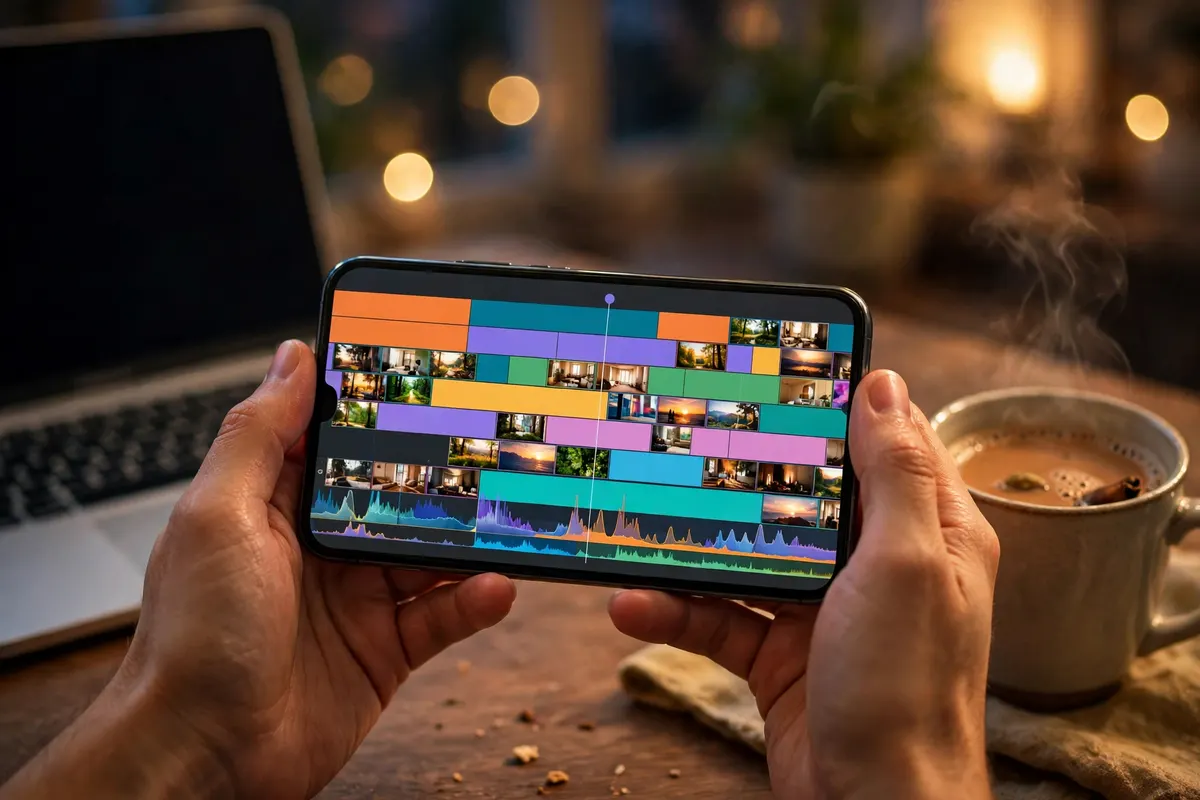
The first thing Pro gives you is clean exports: no watermark on your videos, including videos built from premium templates, and higher-quality exports up to 4K on supported devices. The second is the template library — trending TikTok and Reels templates that turn a few clips into a finished-looking video in minutes, instead of building every transition by hand. The third is effects and filters: the premium effects, transitions, stickers and filters that make a video look finished rather than raw. The fourth is auto-captions, which writes subtitles on your video automatically — essential in Pakistan, where most people watch short videos on mute and scroll past anything without captions. The fifth is cloud storage: your projects sync across devices, so a half-finished edit on your phone is waiting on your PC. Around those sit text-to-speech, which turns typed words into a voiceover, and keyframes, which let you animate text, stickers and clips frame by frame. None of these is magic on its own — together they are the difference between a video that looks homemade and one that looks like a creator made it.
Price in Pakistan 💰
Two plans are listed here, and both last 30 days. Shared costs Rs 1,500 and works on 1 device only, on a shared account. Private costs Rs 2,500 and gives you a 100% private account that works on mobile and PC. Both include the same Pro features — no watermark, premium templates, effects, auto-captions and cloud storage — and both carry a 30-day warranty with delivery on WhatsApp. Do the daily maths: Shared works out to about Rs 50 a day and Private to about Rs 83 a day, which is less than a cup of chai for a tool you open every day. For comparison, CapCut's own global price for Pro is $19.99 a month or $179.99 a year in the US, checked on CapCut's pricing pages in October 2026 — those are global prices, labelled as such, and they can change. Paying CapCut directly from Pakistan would also need an international card and a dollar payment, which is exactly the hassle the local Rs 1,500 and Rs 2,500 plans remove. See both plans on the CapCut Pro page before you decide.
Shared vs Private: the comparison table ⚖️
Plan: Shared — Rs 1,500 for 30 days — shared account, 1 device only, mobile or PC — no watermark, premium templates, effects, auto-captions and cloud storage — 30-day warranty — best for: one person editing on one phone or one PC, trying Pro for the first time.
Plan: Private — Rs 2,500 for 30 days — 100% private account, only yours — use on mobile and PC — no watermark, premium templates, effects, auto-captions and cloud storage — 30-day warranty — best for: creators who edit on both phone and PC, or who want their own private account.
In plain terms: Shared saves you Rs 1,000 a month and gives you every Pro feature — the only thing you give up is the second device and the privacy of your own account. If you edit on one phone and one phone only, Shared is the smart buy. If you start edits on your phone and finish them on your laptop, or you simply do not want anyone else on the same account, Private is worth the extra Rs 1,000.
How to use CapCut Pro — step by step 📱
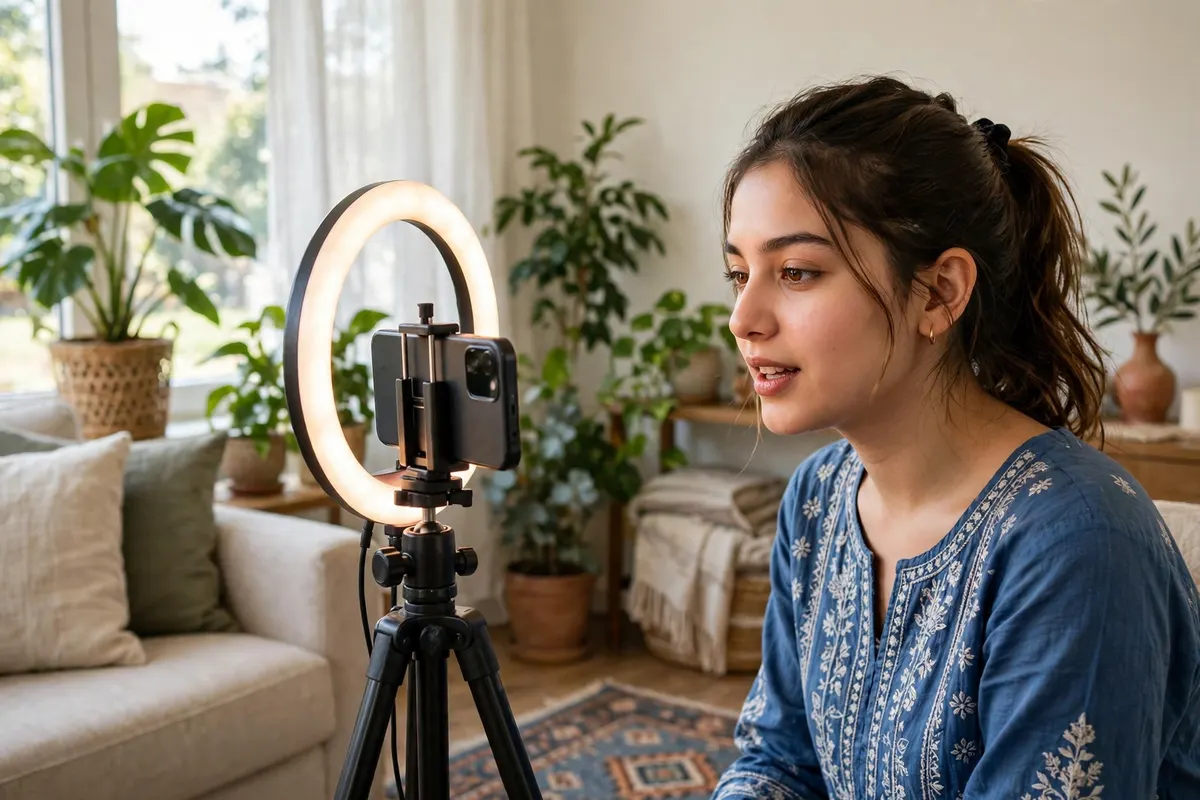
Using it is simple, and the whole flow takes minutes. First, install CapCut from the Play Store or App Store, or download the desktop app for PC. Second, sign in with the account details sent to you on WhatsApp after your order — that is what unlocks Pro. Third, tap New Project and import the clips and photos you shot, or pick a trending template and drop your clips into it. Fourth, trim the clips on the timeline, add music from the library or your own audio, and let auto-captions write the subtitles. Fifth, add a premium effect or filter if the video needs polish, then preview it once before export. Sixth, export without a watermark — pick the quality your phone handles, up to 4K on supported devices — and post it straight to TikTok, Reels or Shorts. Your project saves to the cloud as you go, so if your phone battery dies mid-edit, the work is still there when you open CapCut on your PC.
CapCut Pro vs the alternatives ⚖️
The free version of CapCut is the first alternative, and for casual editing it wins: cutting, music, text and basic effects cost nothing. It loses the moment your videos need to look professional — the watermark on premium templates, the locked effects and the missing auto-captions are exactly what Pro sells. Adobe Creative Cloud at Rs 2,500 Shared or Rs 12,000 Private wins for serious work: Photoshop for thumbnails, Premiere Pro for long videos, After Effects for motion graphics. It loses for short video — it is slower, heavier and far more expensive than a phone app that exports a Reel in minutes. Canva Education at Rs 1,500 a year wins for static posts and presentation-style videos made from templates, with no learning curve at all. It loses the moment you need real timeline editing, captions or effects on moving video. And free editors like VN or KineMaster cover the basics, but their premium features cost extra too, and none of them has CapCut's template library or its one-tap link to TikTok trends. The honest rule: if your work is short video, CapCut Pro is the tool built for it; the others are built for something else.
Honest limits — read this before you buy ⚠️
Stated plainly, because these decide whether CapCut Pro is worth Rs 1,500 for you. First, both plans last 30 days — this is a monthly plan, not a lifetime licence, so budget for renewal if you edit every month. Second, the Shared plan is a shared account on 1 device only — do not try to log in on a second phone or PC, because that breaks the plan's rules. Third, CapCut's AI tools run on a monthly credit allowance in the global Pro plan, and heavy AI use can run through it — the core editing, templates and captions are not affected, but AI generation is not unlimited. Fourth, 4K export and smooth editing need a decent phone or PC; an old low-RAM phone will lag on long timelines no matter which plan you buy. Fifth, music and sounds inside CapCut are not automatically cleared for videos you earn money from — check the licence before using a trending sound in a paid ad or a monetised video. And sixth, these are this store's plan prices for Pakistan, and they can change — the price on the product page at the time you order is the price you pay.
Who should buy it — and who should skip it ✅
Buy CapCut Pro if you post short videos every week — TikToks, Reels, Shorts, product videos for your shop or client work — and you are tired of the watermark and the locked templates. Buy Shared at Rs 1,500 if you edit on one device and want the cheapest way in. Buy Private at Rs 2,500 if you edit on both phone and PC, or you want your own private account. Skip it for now if you edit one video a month — the free version handles that, and Rs 1,500 buys nothing you will use. Skip it too if your real work is photo design, logos or long YouTube videos — then Adobe Creative Cloud is the tool that fits, and CapCut would only be a side app.

How to order on Affordable Subscriptions 🛒
Ordering takes about a minute. Open the CapCut Pro page and pick Shared at Rs 1,500 or Private at Rs 2,500. Tap Order on WhatsApp — your message arrives pre-written with the product, plan and price, so you only have to send it. We confirm your payment, then send your account details on WhatsApp, usually within minutes during working hours. Sign in to CapCut with those details, and the premium templates, effects and auto-captions are unlocked right away. If anything stops working during your 30 days, message us on WhatsApp — the 30-day warranty means we fix it or replace it. The same CapCut Pro plans are also listed on CapCut Pro on Ocean Computer.
Frequently asked questions ❓
What is the CapCut Pro price in Pakistan?
Rs 1,500 for the Shared (1 Device) plan or Rs 2,500 for the Private plan — both last 30 days. Both include no-watermark exports, premium templates, effects, auto-captions and cloud storage, with a 30-day warranty and delivery on WhatsApp.
What is CapCut Pro?
CapCut Pro is the paid version of CapCut, the video editor made by ByteDance, the company behind TikTok. It unlocks no-watermark exports, premium templates, effects and filters, auto-captions, cloud storage and extra AI tools on Android, iPhone and PC.
Is CapCut free?
Yes, the basic CapCut app is free and covers everyday editing — cutting clips, adding music and text, and simple effects. But free exports can carry a watermark on some templates and effects, and the best templates, filters and AI tools stay locked until you pay for Pro.
What is the difference between the Shared and Private plans?
Shared costs Rs 1,500 and works on 1 device only, on a shared account. Private costs Rs 2,500 and gives you a 100% private account that works on mobile and PC. Both include the same Pro features — no watermark, premium templates, effects, auto-captions and cloud storage — and both last 30 days.
Can I use CapCut Pro on mobile and PC?
Yes. CapCut Pro works on Android, iPhone and PC, and your projects sync through the cloud, so you can start a video on your phone and finish it on your laptop. The Shared plan is limited to 1 device, while the Private plan covers mobile and PC.
Does CapCut Pro remove the watermark?
Yes. With CapCut Pro your videos export without a watermark, including videos made from premium templates. That is the single biggest reason creators upgrade — a watermarked video looks unprofessional the moment you post it.
What is the global price of CapCut Pro?
Globally, CapCut lists Pro at $19.99 a month or $179.99 a year in the US, checked on CapCut's own pricing pages in October 2026 — those are global prices, labelled as such, and they can change. Paying CapCut directly also needs an international card and a dollar payment, which is the hassle the local Rs 1,500 and Rs 2,500 plans remove.
Is CapCut Pro worth it for TikTok and Reels?
If you post short videos every week, yes — the no-watermark export, trending templates and auto-captions alone save hours, and Rs 1,500 a month is about Rs 50 a day. If you edit one video a month, the free version is enough and Pro is money wasted.
How long does a CapCut Pro plan last?
Both plans last 30 days from activation. Shared and Private are monthly plans, not lifetime licences, so you renew each month you want to keep editing with Pro features.
What happens when the 30 days end?
Your Pro access ends and the app goes back to the free version. Your saved projects stay on your device and in the cloud, and you can renew the plan any time to unlock the premium features again.
Can I use my own music and clips in CapCut Pro?
Yes. You can import your own video clips, photos and music, and mix them with CapCut's templates, effects and sounds. Just remember that music and clips you use in videos you earn money from need the right licence — CapCut's built-in sounds are not automatically cleared for commercial use everywhere.
How do I order CapCut Pro in Pakistan?
Open the CapCut Pro page, choose Shared at Rs 1,500 or Private at Rs 2,500 and tap Order on WhatsApp — your message is pre-written, you only have to send it. Your account details arrive on WhatsApp after payment confirmation, usually within minutes.